
Bets & Ladders


Bets & Ladders is a web-based trading interface for the Betfair Exchange, built for traders who want better tools than the default app provides. 

Available on

  • Windows
  • Android
  • iOS
  • Linux

Description

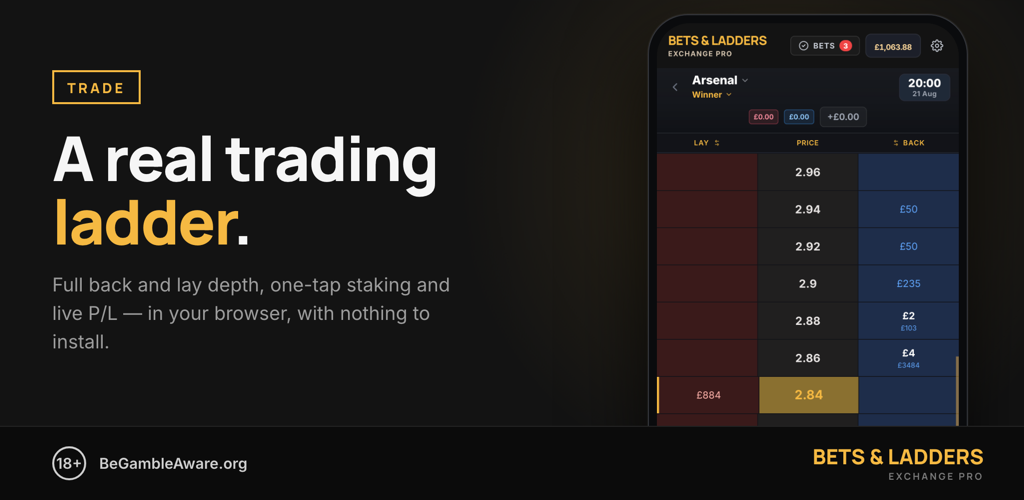
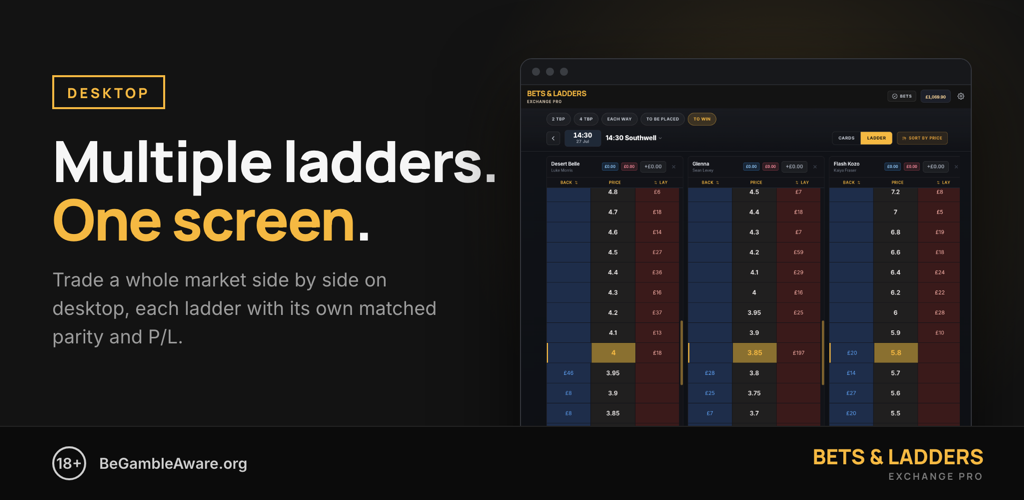
The full trading ladder is the core: a clean three-column grid — back and lay either side of a central price column — showing live prices drawn from your own Betfair account. Your running profit and loss and any unmatched orders sit against each price level, so you always know where you stand. Tap a back or lay cell to place a bet, long-press a cell to cancel an unmatched order at that price, and double-tap the price column to re-centre on the last traded price. Tap a column header to swap back/lay orientation when you'd rather have lay on the other side. One-click cash out closes your position at the current market price.

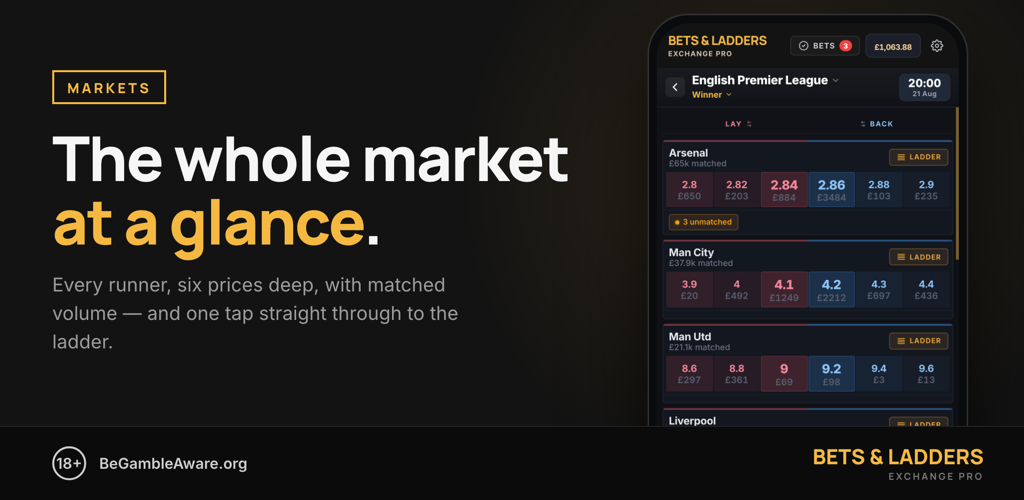
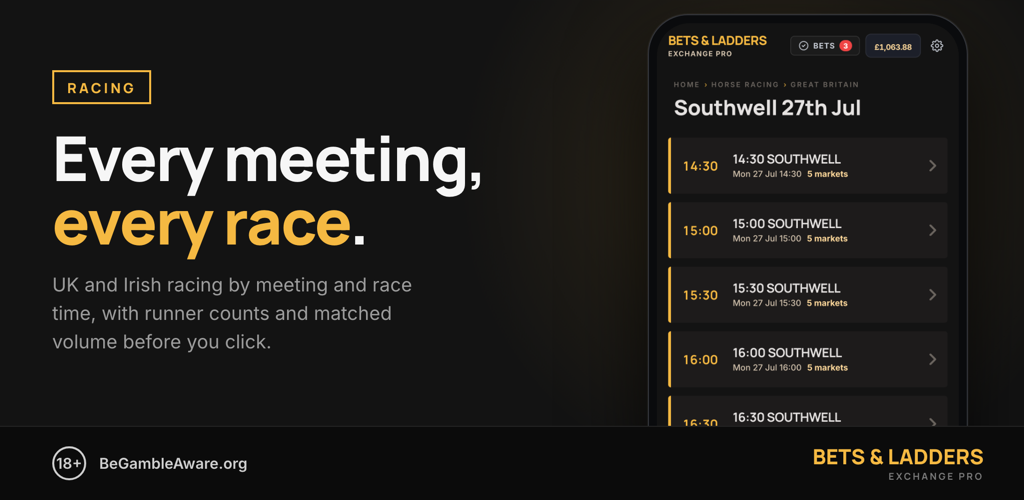
On desktop the ladder becomes a board: add as many runners as you like and trade them side by side on one screen, each ladder carrying its own matched back and lay stakes and its own profit or loss if that runner wins. On a phone you get the same ladder full-width, with swipe between runners in the market.

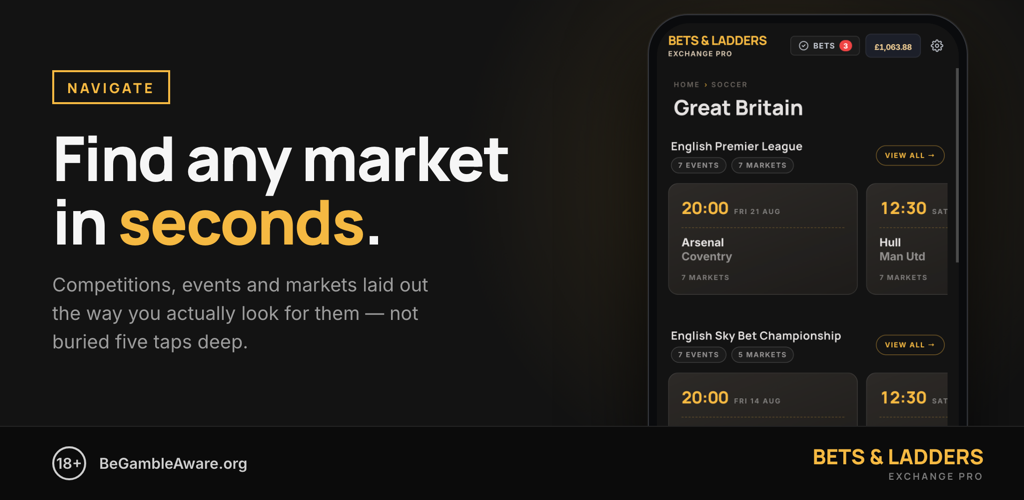
Getting to a market is deliberately short. Browse by sport, country and competition, with event and market counts shown before you commit to a tap. Horse racing is organised by meeting and race time, so the 14:30 is one tap from the racing page rather than buried in a tree. When a football match is in play, the live score and match clock sit in the market header so you're trading with the game in front of you.

Login using your Betfair account, your bets, your wallet, no password sharing. Your stake stays with the Exchange and settles straight back into your Betfair wallet; we never hold funds or touch settlement.

Signing up is free and needs no card. The Free tier covers casual traders with one hundred bets a month, resetting on the first. Trader lifts that to unlimited bets at £9 a month or £72 a year, both VAT-inclusive, cancellable at any time from the billing portal.

Key Features

• Full trading ladder with live prices drawn from your own Betfair account
• Running P/L and your unmatched orders shown against each price level
• Tap a back or lay cell to bet; long-press a price cell to reduce a stake
• Tap a column header to swap back/lay orientation
• Double-tap the price column to recentre on the last traded price
• One-click cashout on any runner with a matched position
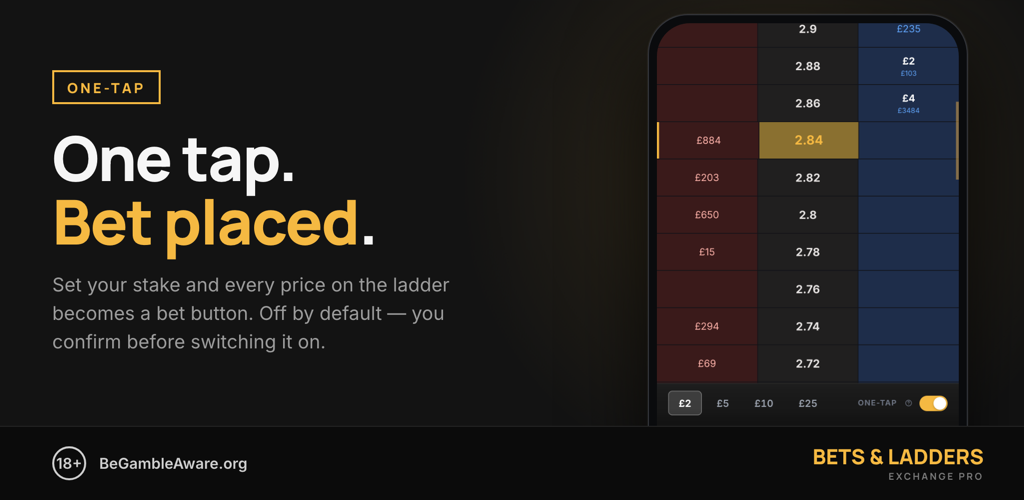
• One-tap mode for fast trading (opt-in, default off)
• Live in-play football scores and match clock on the market header
• Mobile-first responsive design — same capabilities on phone or desktop
• Quick browsing: sport → country → competition → event → market in a few taps
• OAuth login via your Betfair account — no password sharing
• Free during early access — Free tier (100 bets/month) plus an auto-enrolled unlimited Trader tier

Additional Information

Vendor

GSoft Solutions Ltd

Website

https://www.betsandladders.com/

Contact us

https://www.betsandladders.com/help

Languages supported

English

Category

Trading, Mobile

Version

1.0

First released

29/06/2026

Last Updated

29/06/2026
x

WHAT IS THE
APP DIRECTORY?

Enhance your Exchange experience by using an App. Get up and running by following these five easy steps:

  • 1 Find out what Apps do by reading our learning articles.
  • 2 Search for the best App for you by using the filters or search bar.
  • 3 Learn more about the features and benefits and check the community rating. Many Apps offer a free trial – try before you buy.
  • 4 Download the App from the vendor’s site by clicking the ‘Download’ button.
  • 5 Use your Betfair account credentials to log on to the App. Your vendor will provide guidance and support on getting up and running on the App.
Learn more Got it
x

Watch the Video

The video explains the key benefits of using the Betfair Exchange
Find the Betfair App for you
Adjust cookies
Essential cookies
,
Performance cookies
,
Functional cookies
,
Targeting cookies
,
By using this website you accept the use of cookies. Set preferences or close this message